Get AniLedger on Your Device
iOS is live on the App Store. Android is available via closed beta on Google Play — sign up below and we'll send you access.
Choose Your Platform
AniLedger is available on iOS and Android. Pick your platform below.
Requires iOS 16+. Available now on the App Store — download and try the full app free with demo mode.
Get it on the App StoreEnter your Gmail below to request access. After we add you, you'll receive a confirmation email — then use the download link to get the app from Google Play.
Already received your invite email?
Once you've been notified that you've been added to the beta, tap the button below to download AniLedger from Google Play:
Download from Google PlayManage records from your desk. Bulk import from CSV/Excel, connect your POS system, and sync with the mobile app in real time. Available for Windows & Mac.
Download Desktop AppAndroid Beta
How the Android Beta Works
Google Play requires us to add Android testers by email before they can download. Here's what happens after you sign up:
Enter the Gmail address connected to your Android phone above. This MUST be the same Google account you use on your Android device.
We'll manually add your email to the Google Play closed testing list. This usually happens within 24–48 hours.
You'll receive an email from us confirming that you've been added to the beta. Do NOT try to download the app until you receive this email — it won't be available to you yet.
After you receive our confirmation email, come back to this page and tap the 'Download from Google Play' button above — or search for 'AniLedger' in the Play Store. The app will now be available for you to install.
Important: You must use the same Gmail address that's signed in on your Android phone. If you use a different email, the app won't appear in the Play Store for you. Not sure which email your phone uses? Go to Settings → Google → your email is shown at the top.
Do not try to download until you hear from us. The app will only be available on Google Play after we confirm you've been added.
App Preview
See What You Get
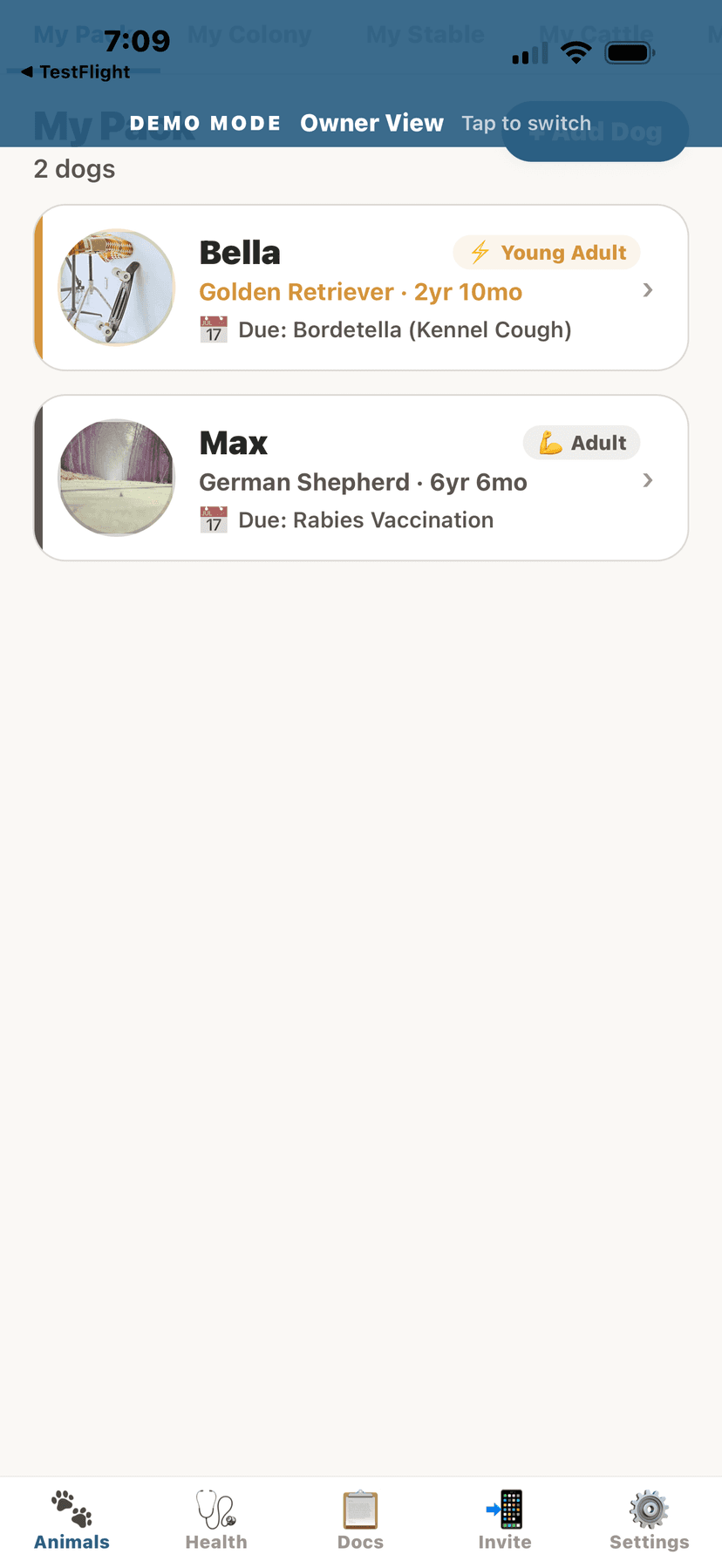
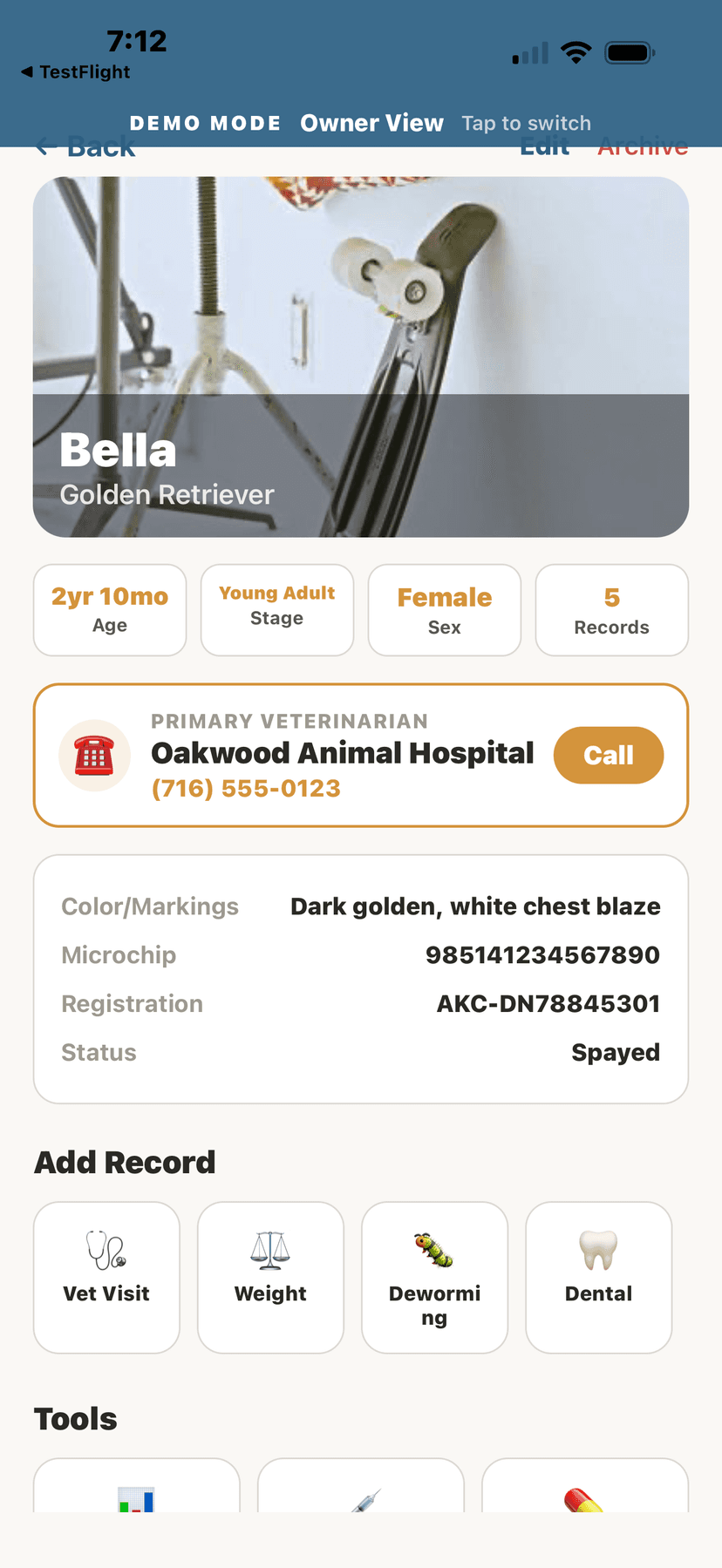
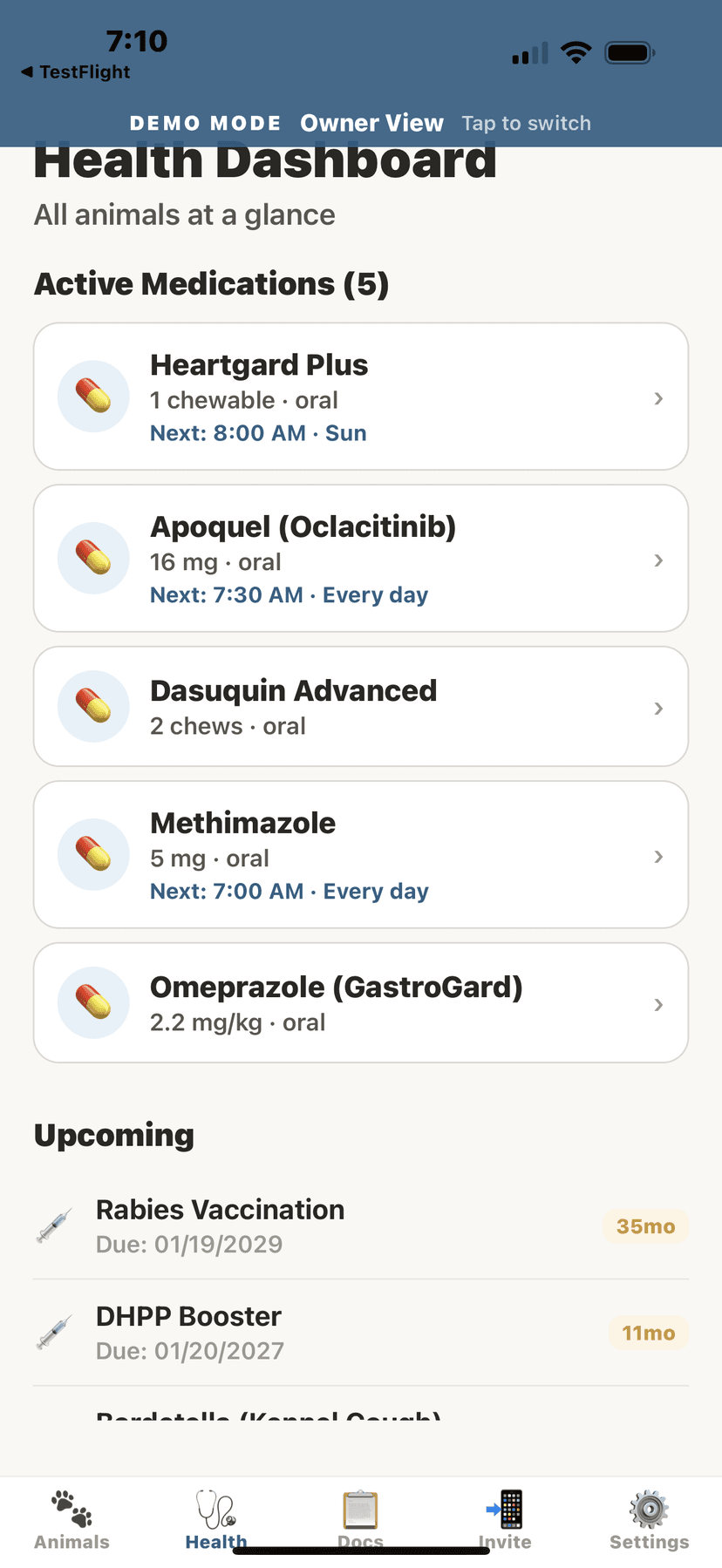
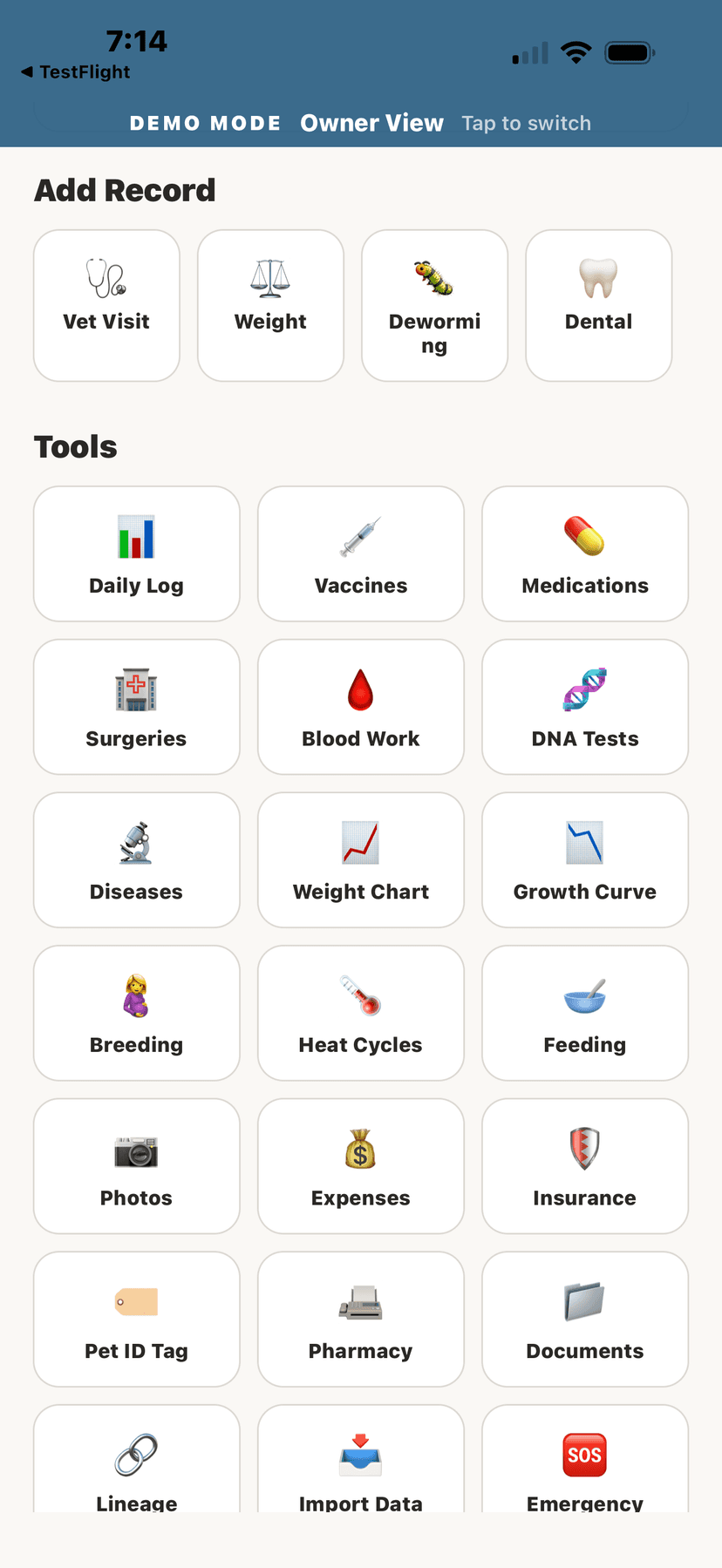
Real screenshots from AniLedger — every feature shown below is available in the beta.
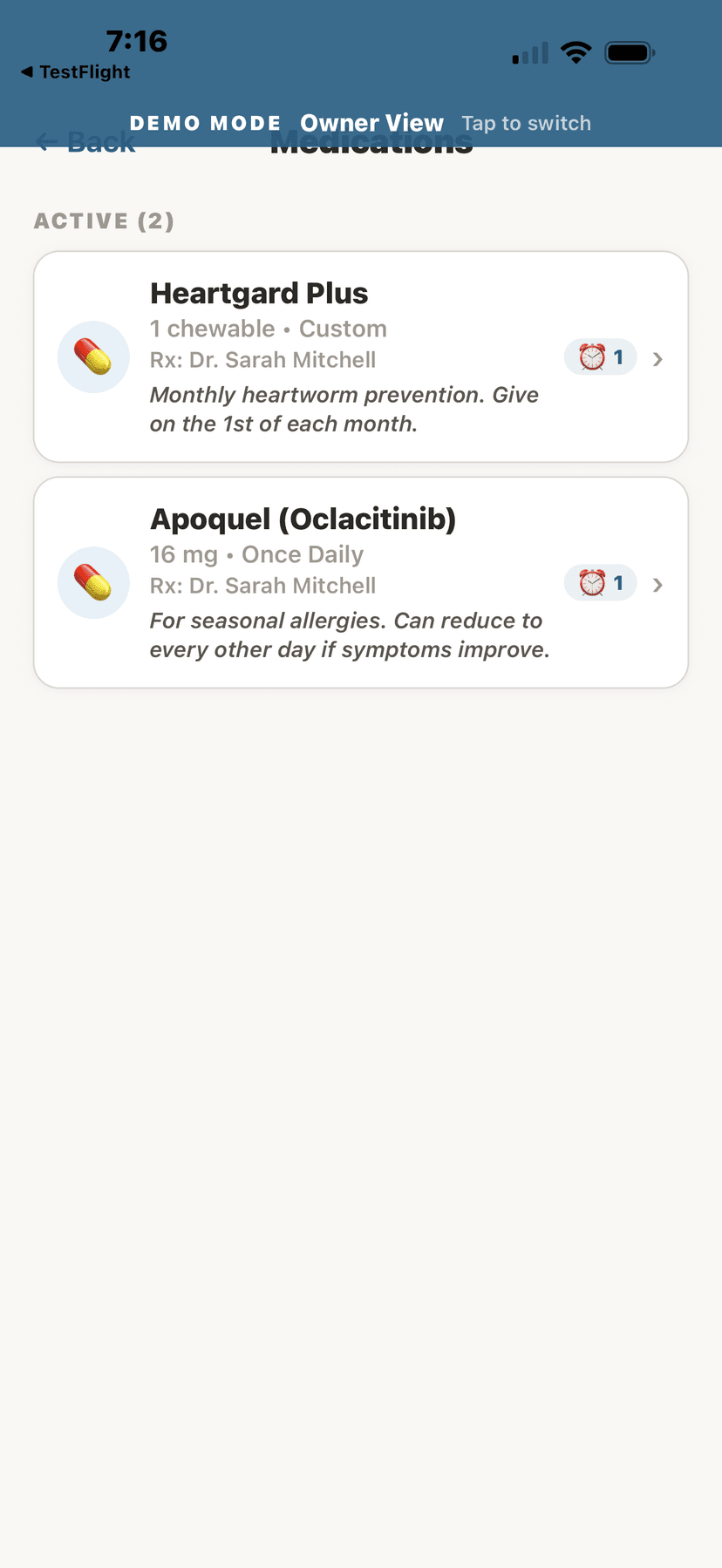
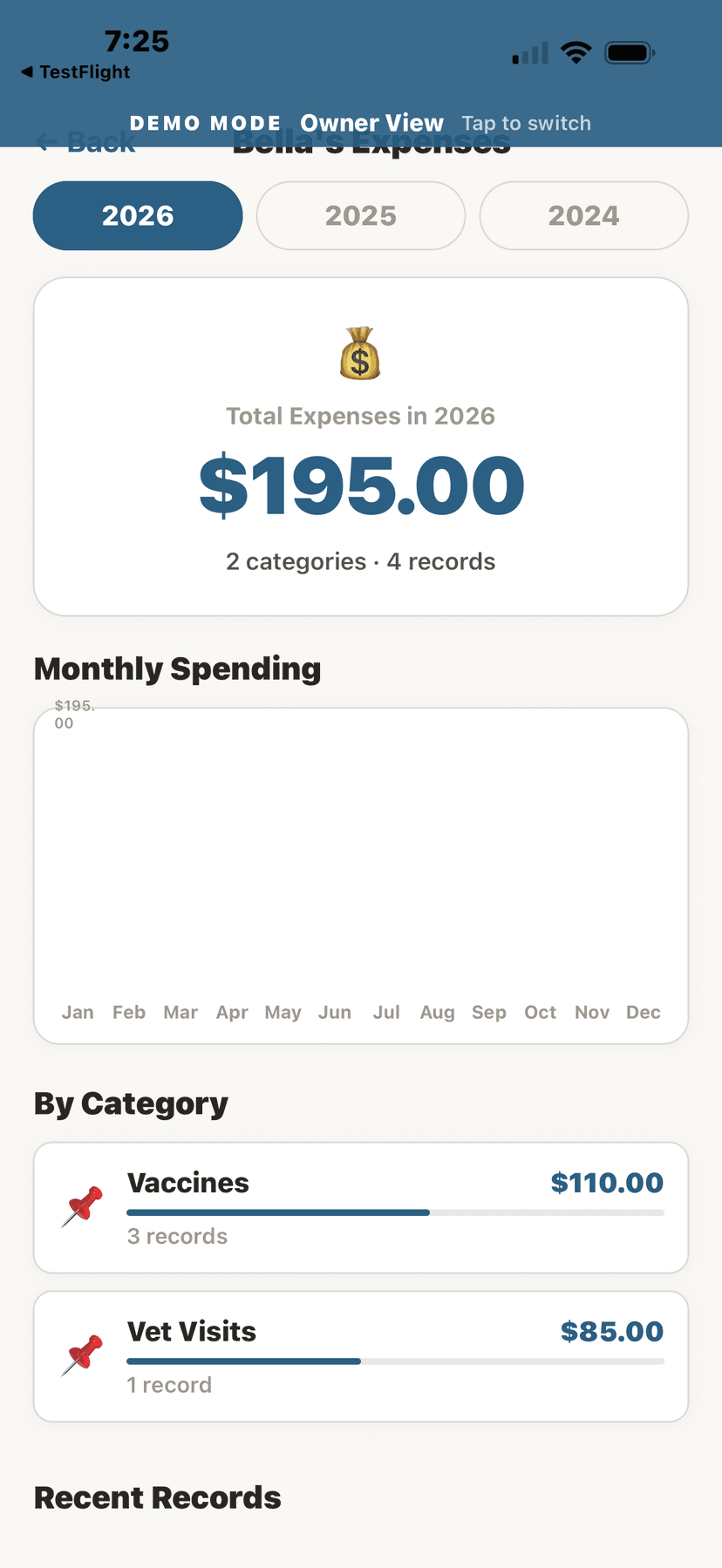
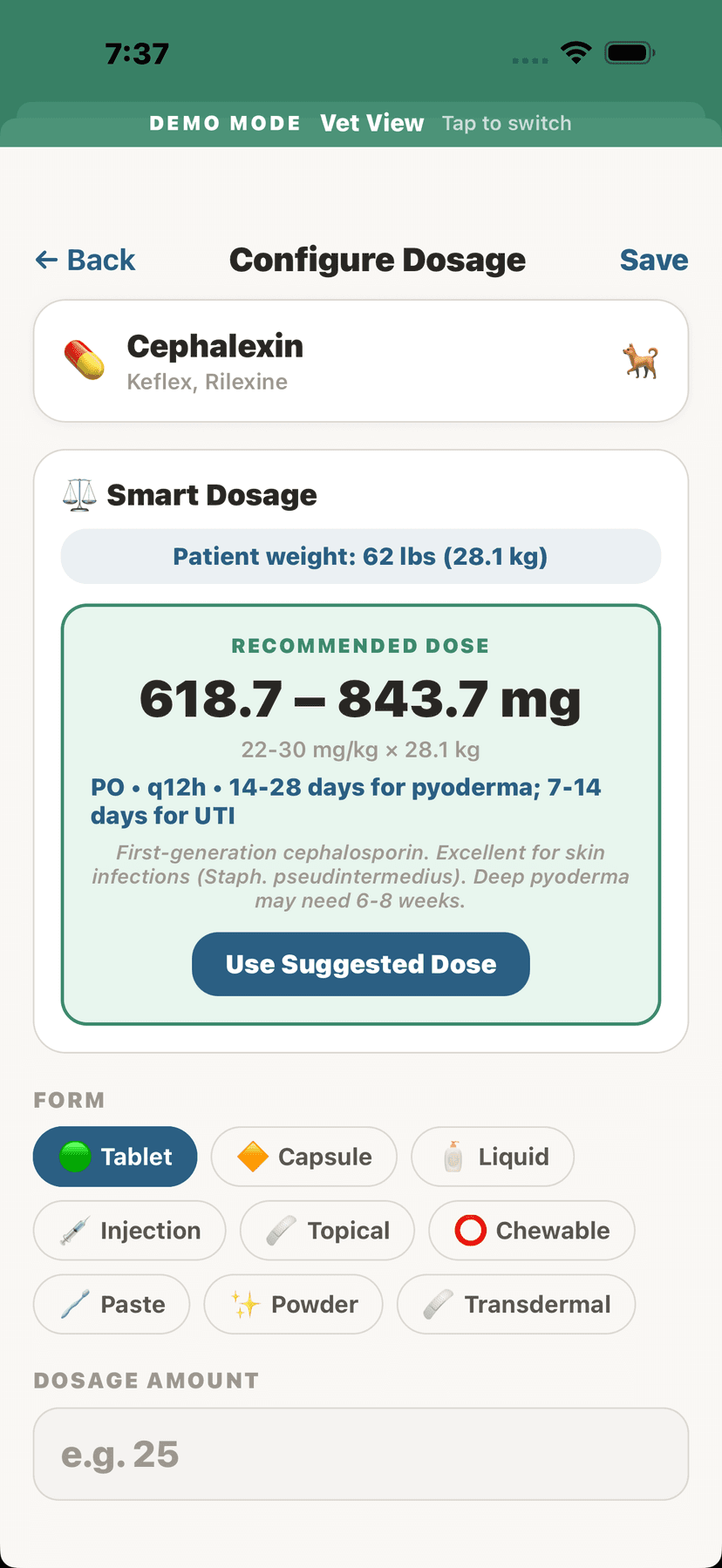
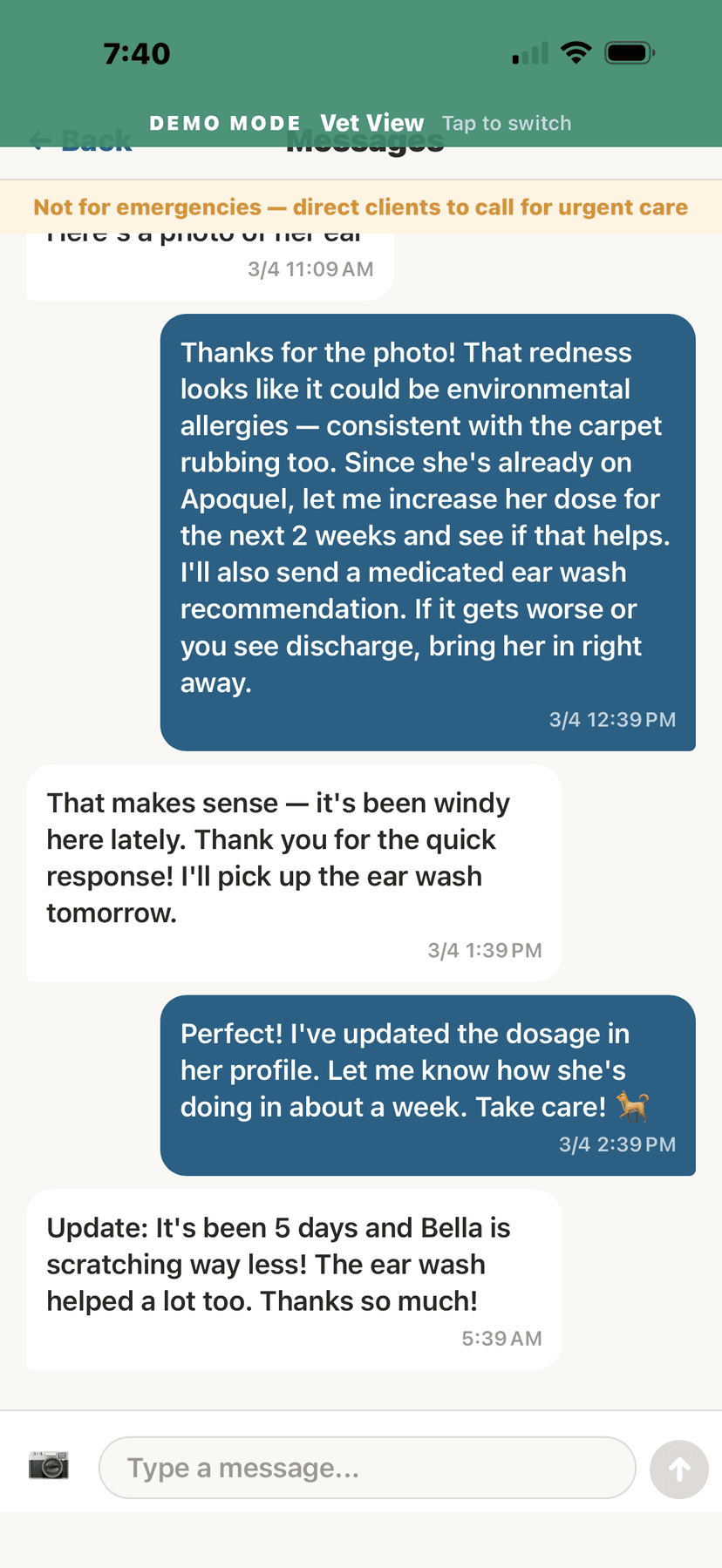
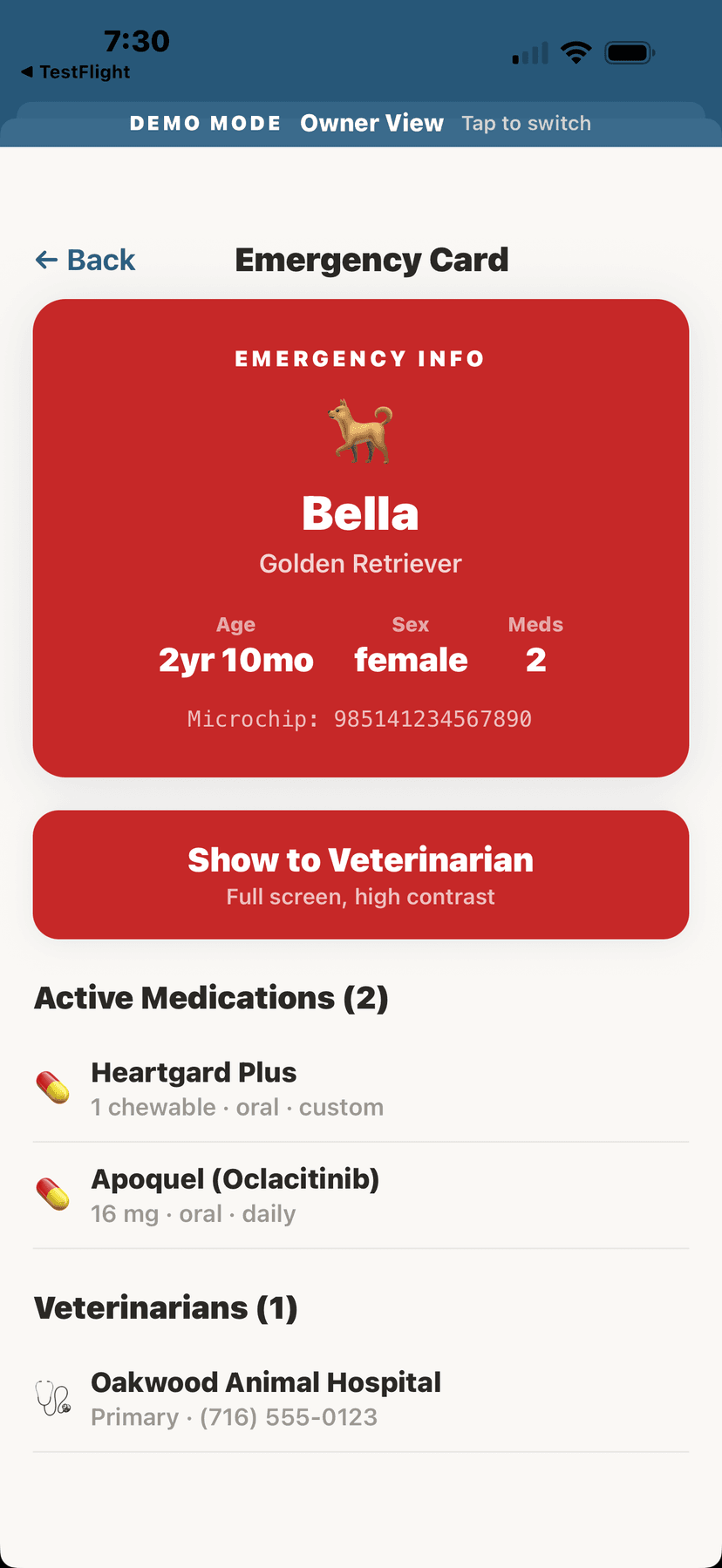
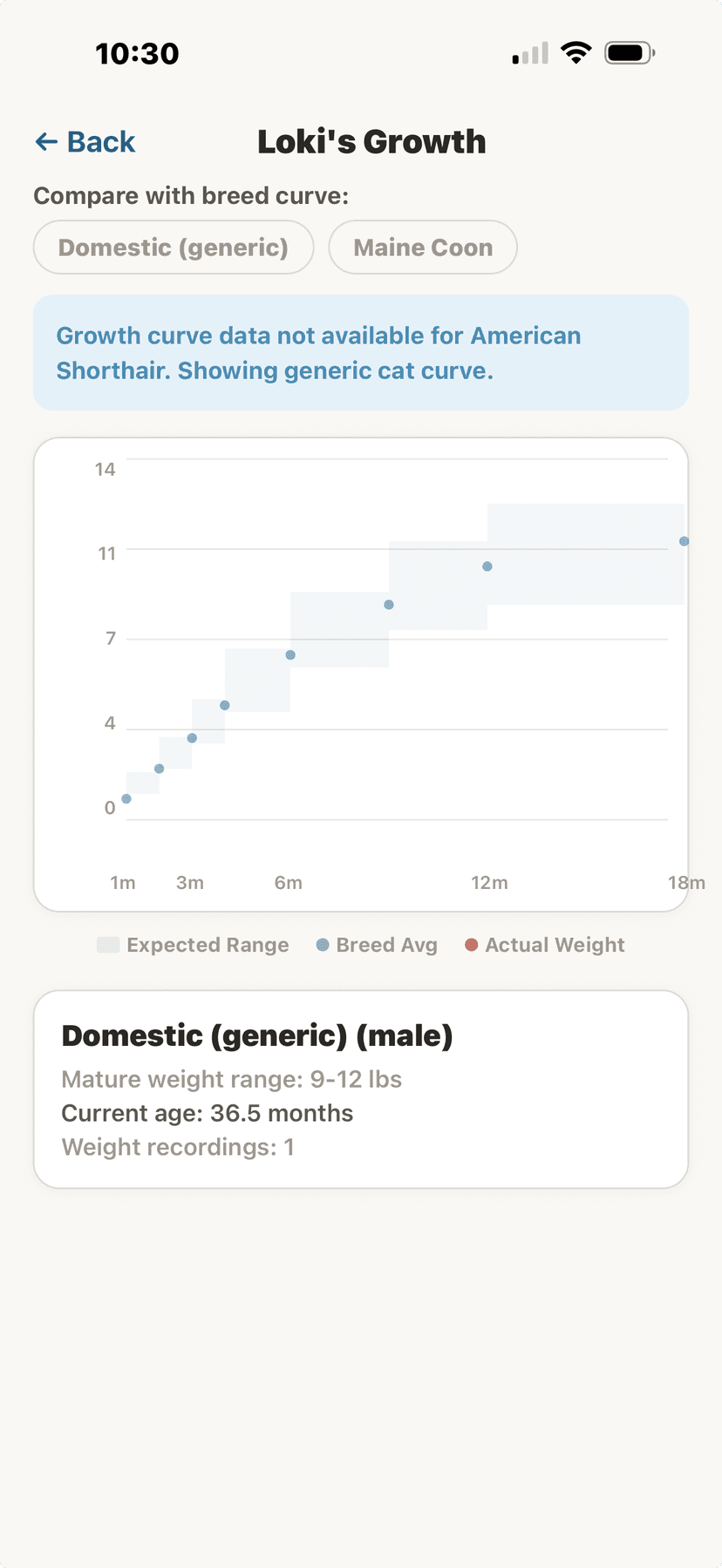
How It Works
Getting Started with Beta Testing
For iOS, tap the App Store link above — it's live and available now. For Android, submit your Gmail and wait for our confirmation email before downloading.
Open AniLedger and create a free account with your email, or sign up with Apple or Google.
AniLedger includes a full demo mode with sample data so you can explore every feature before adding your own animals.
Found a bug or have a suggestion? Use the in-app feedback button or email us at support@everydayutilitystudio.com.
Beta Details
What to Expect
Learn More About AniLedger
Explore everything AniLedger has to offer — features, pricing, and step-by-step instructions for every tool.
See all features for owners, vets, and facilities. Compare 9 subscription tiers.
View App DetailsFree desktop companion for Windows & Mac. Bulk import, POS integration, table views.
Download DesktopStep-by-step instructions for every feature — health records, breeding, vet tools.
Read the GuideReady to Get Started?
Download AniLedger and start managing your animals today.
Questions? Email support@everydayutilitystudio.com