🌱
Getting Started
Download Verdix, create your account, complete the onboarding questionnaire, choose your subscription tier, and explore with demo mode.
📱Download & Install
- Open the App Store (iOS) or Google Play (Android) on your device.
- Search for "Verdix" and tap Install.The app downloads at no cost. Verdix is a paid app — choose a plan during onboarding (Grower, Cultivator, Farm Pro, or Commercial). Want to try every feature first? Tap "Try Demo — No Account Needed" on the sign-in screen for full access with sample data, no card required.
- Open Verdix once the download completes.
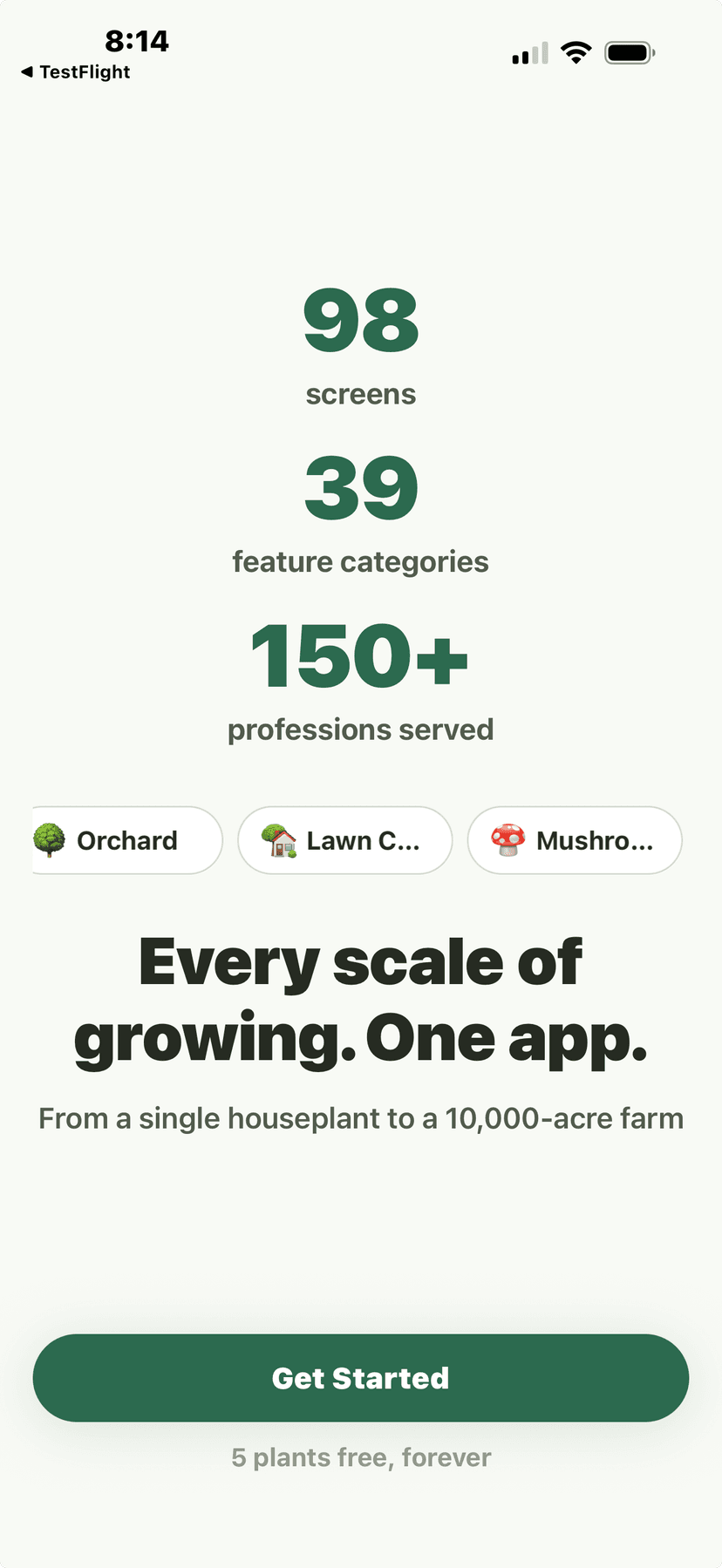
Onboarding welcome screen showing 98 screens, 39 categories, 150+ professions
🔑Create Your Account
- Tap "Get Started" on the welcome screen.
- Enter your email address and create a password.You can also sign up with Apple or Google for faster setup.
- Verify your email by tapping the link sent to your inbox.
- Set your display name and optional profile photo.
Onboarding welcome screen showing 98 screens, 39 categories, 150+ professions
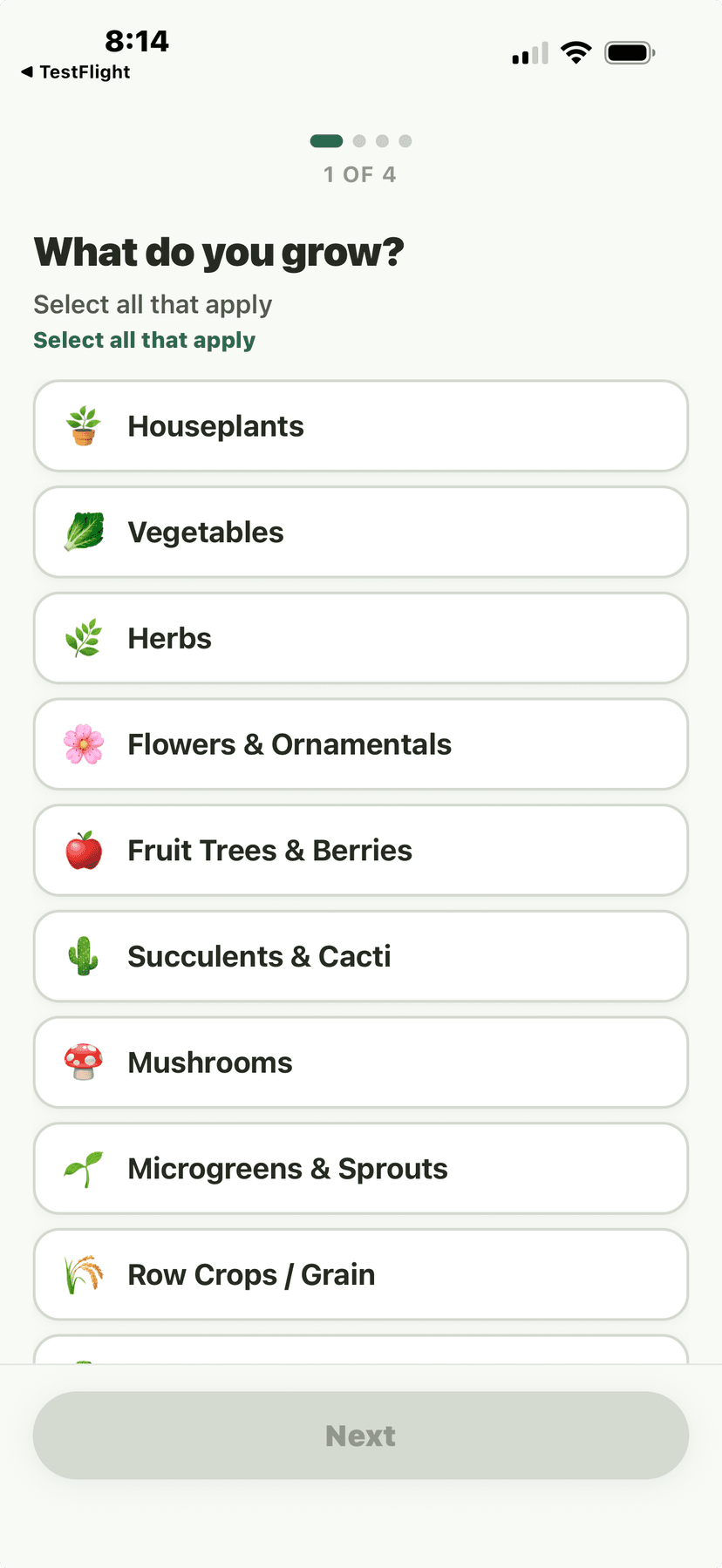
Onboarding Q1 - What do you grow? multi-select
📋Onboarding Questionnaire
- Select your growing scale.Choose from: Houseplant Hobbyist (1-50 plants), Home Gardener (backyard/raised beds), Homesteader (self-sufficiency focus), Small Farm (<50 acres), Mid-Size Farm (50-500 acres), Large Farm (500+ acres), Commercial Greenhouse, or Wholesale Distributor.
- Tell us what you grow.Multi-select from categories: Houseplants, Vegetables, Herbs, Fruits, Flowers, Trees, Succulents, Mushrooms, Microgreens, Field Crops, Livestock Forage, and more.
- Select your growing methods.Choose all that apply: In-ground, Raised beds, Containers, Hydroponics, Aquaponics, Vertical farming, Greenhouse, Indoor grow lights, or No-till.
- Set your location and growing zone.Verdix auto-detects your USDA Hardiness Zone and first/last frost dates from your zip code. You can override these manually if needed.
- Choose what matters most to you.Multi-select your priorities: Plant identification, Care reminders, Garden planning, Harvest tracking, Weather alerts, Soil management, Equipment tracking, Financial reports, Community, or Compliance.
💡
Your answers personalize your dashboard and determine which features are highlighted. You can change these anytime in Settings.
Onboarding Q1 - What do you grow? multi-select
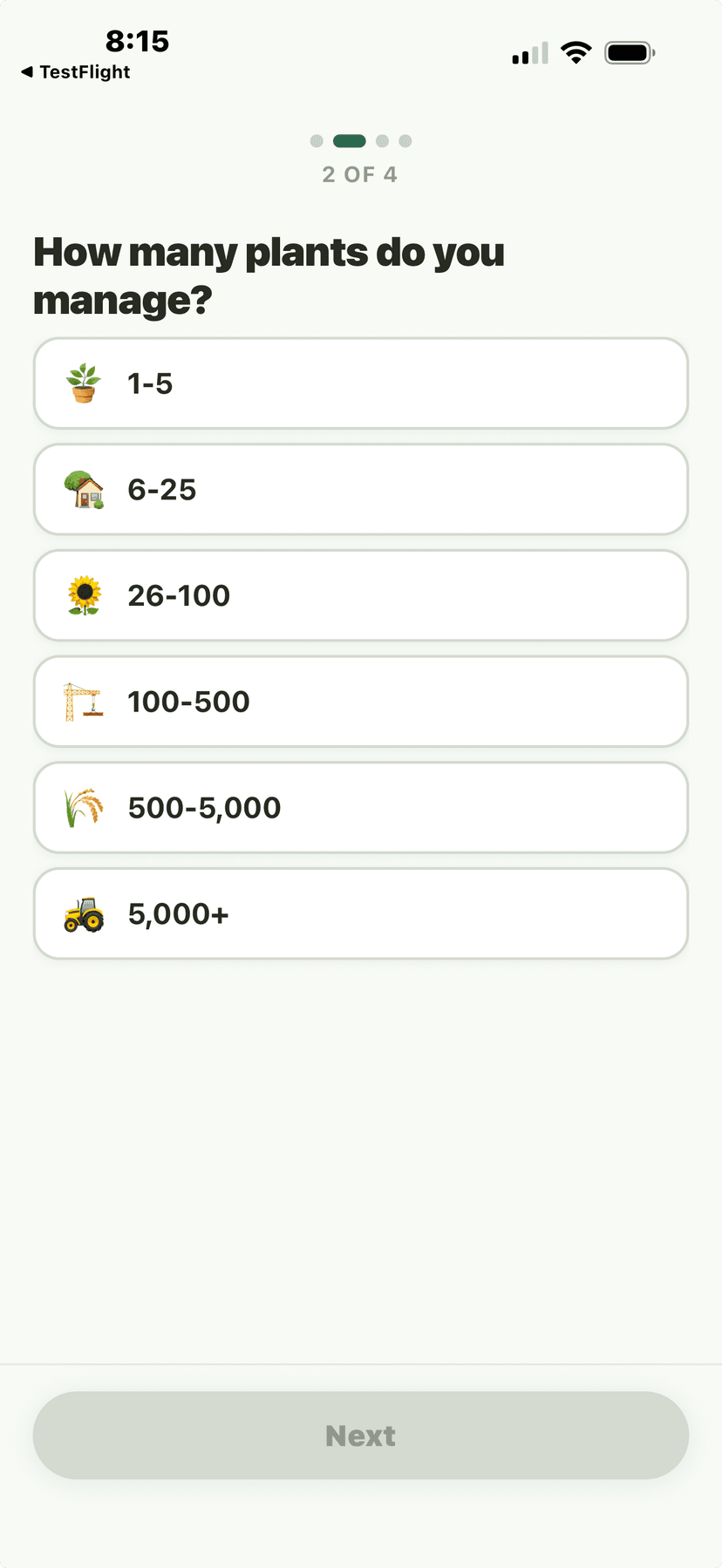
Onboarding Q2 - How many plants do you manage?
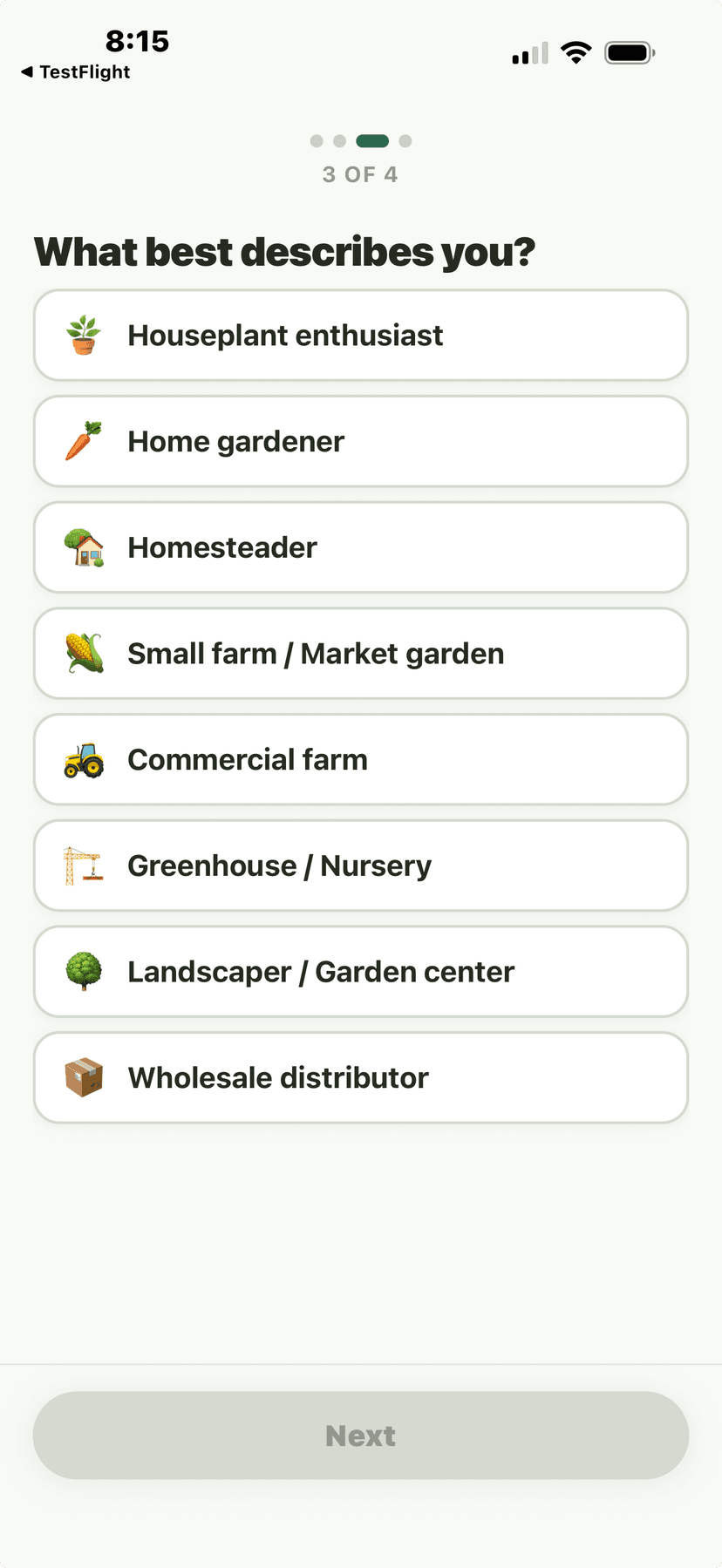
Onboarding Q3 - What best describes you?
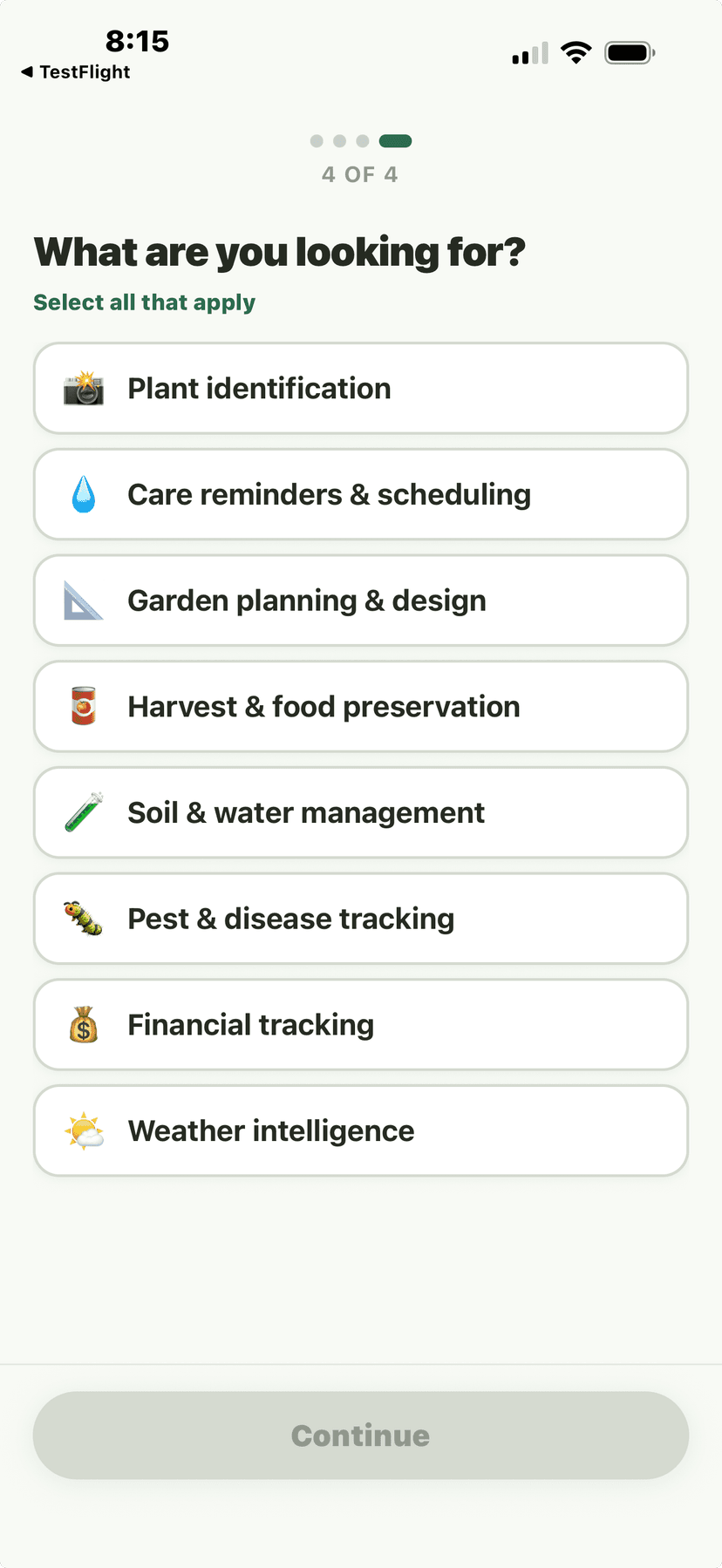
Onboarding Q4 - What are you looking for? multi-select
💳Choose Your Subscription Plan
- Toggle between Monthly and Annual billing at the top of the paywall screen.Annual plans offer significant savings: Grower is $79.99/yr (save $39.89), Cultivator is $159.99/yr (save $79.89), Farm Pro is $399.99/yr (save $199.89), Commercial is $799.99/yr (save $399.89).
- Tap "Start [Tier Name]" on the plan you want — e.g., "Start Grower", "Start Cultivator".Subscriptions begin charging immediately and renew automatically. Cancel anytime in your App Store or Google Play settings; access continues through the end of your current billing period.
- If you're not ready, tap "Try Demo — No Account Needed" instead.Demo Mode lets you explore every feature with sample data before subscribing. No card required.
After onboarding, you'll see the subscription tiers tailored to your growing scale. Verdix offers four paid tiers: Grower ($9.99/mo), Cultivator ($19.99/mo), Farm Pro ($49.99/mo), and Commercial ($99.99/mo). Annual billing saves up to 33% vs monthly. Verdix is paid-only — but Try Demo Mode gives you full access to every feature with sample data, no credit card required.
💡
Annual plans save up to 33% compared to monthly billing. You can switch tiers or cancel anytime from Settings — you keep access through the end of your billing period.
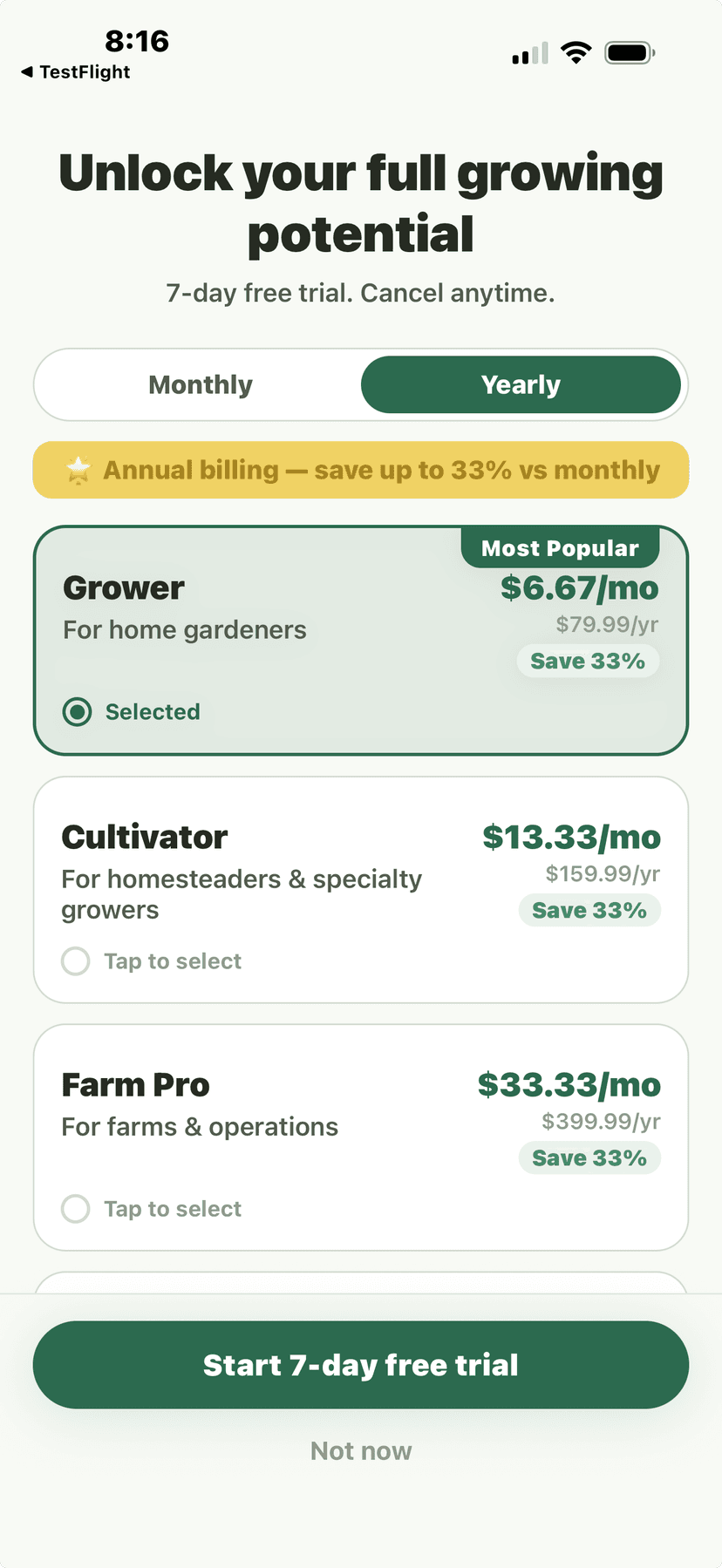
Paywall - yearly pricing with 3 tiers (Grower, Cultivator, Farm Pro)
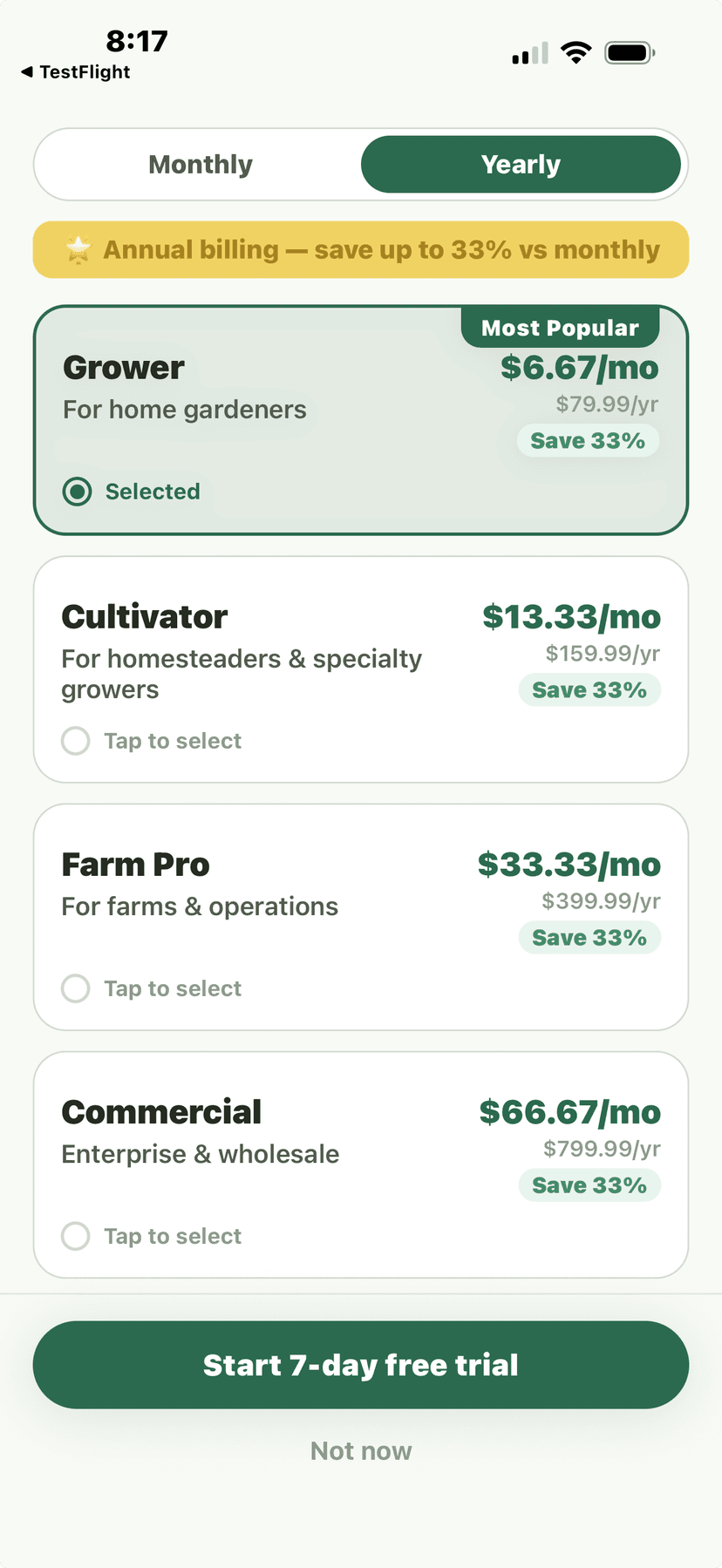
Paywall - yearly pricing with 4 tiers (adds Commercial)
🎮Explore Demo Mode
- On the paywall screen, look for the "Try Demo" option below the plan cards.
- Demo mode loads sample plants, gardens, weather data, and harvest logs so you can explore every feature.The demo includes a houseplant collection, a backyard vegetable garden with companion planting, sample harvest records, and weather forecasts for a demo location.
- Tap any feature to see how it works with realistic data.
- When you're ready, go to Settings and tap "Start Fresh" to clear demo data and begin with your own plants.
💡
Demo mode data resets when you restart the app. It's a safe sandbox to explore without affecting real data.
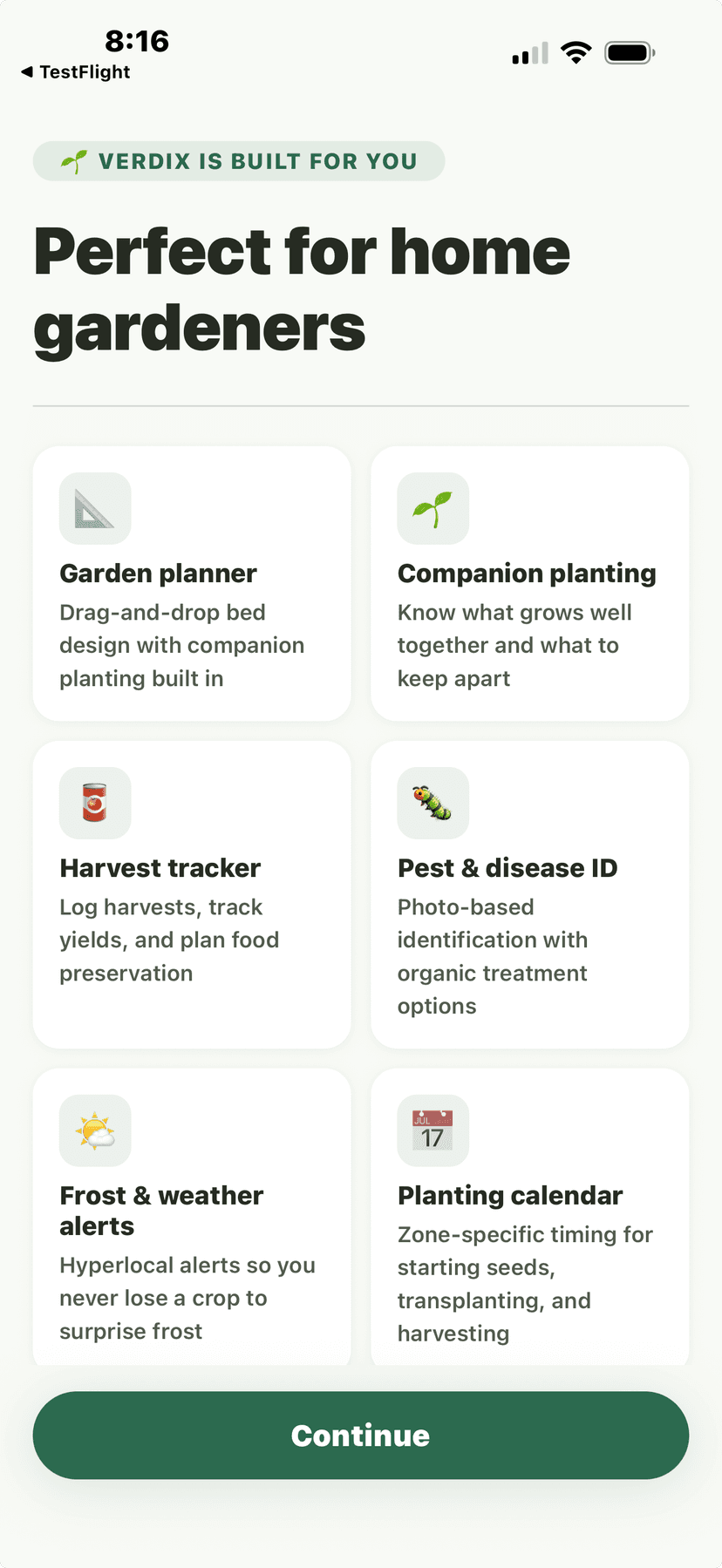
Onboarding priming - Perfect for home gardeners feature cards
🏠Your Home Dashboard
After setup, your home dashboard shows a personalized view based on your growing scale: weather at a glance, upcoming care tasks, plant health alerts, and quick-access buttons for your most-used features. The dashboard adapts as you add more plants and data.
- Weather widget with current conditions, frost alerts, and growing degree days
- Care task queue showing overdue, today, and upcoming tasks
- Plant health summary with color-coded status indicators
- Quick actions: Add Plant, Scan Plant, Log Harvest, Check Weather
- Seasonal tips customized to your zone and growing methods
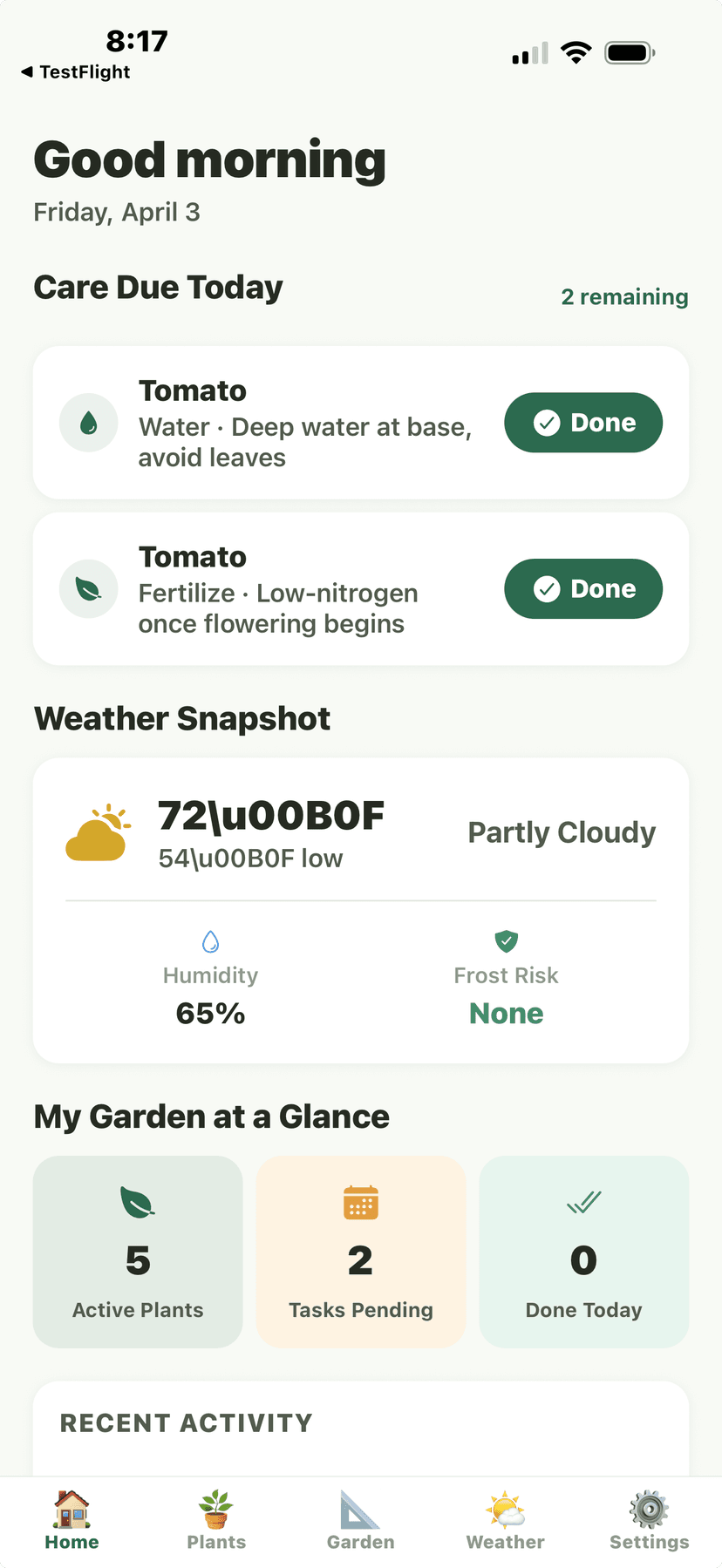
Home Dashboard - Good morning, Care Due Today, Weather Snapshot, Garden at a Glance
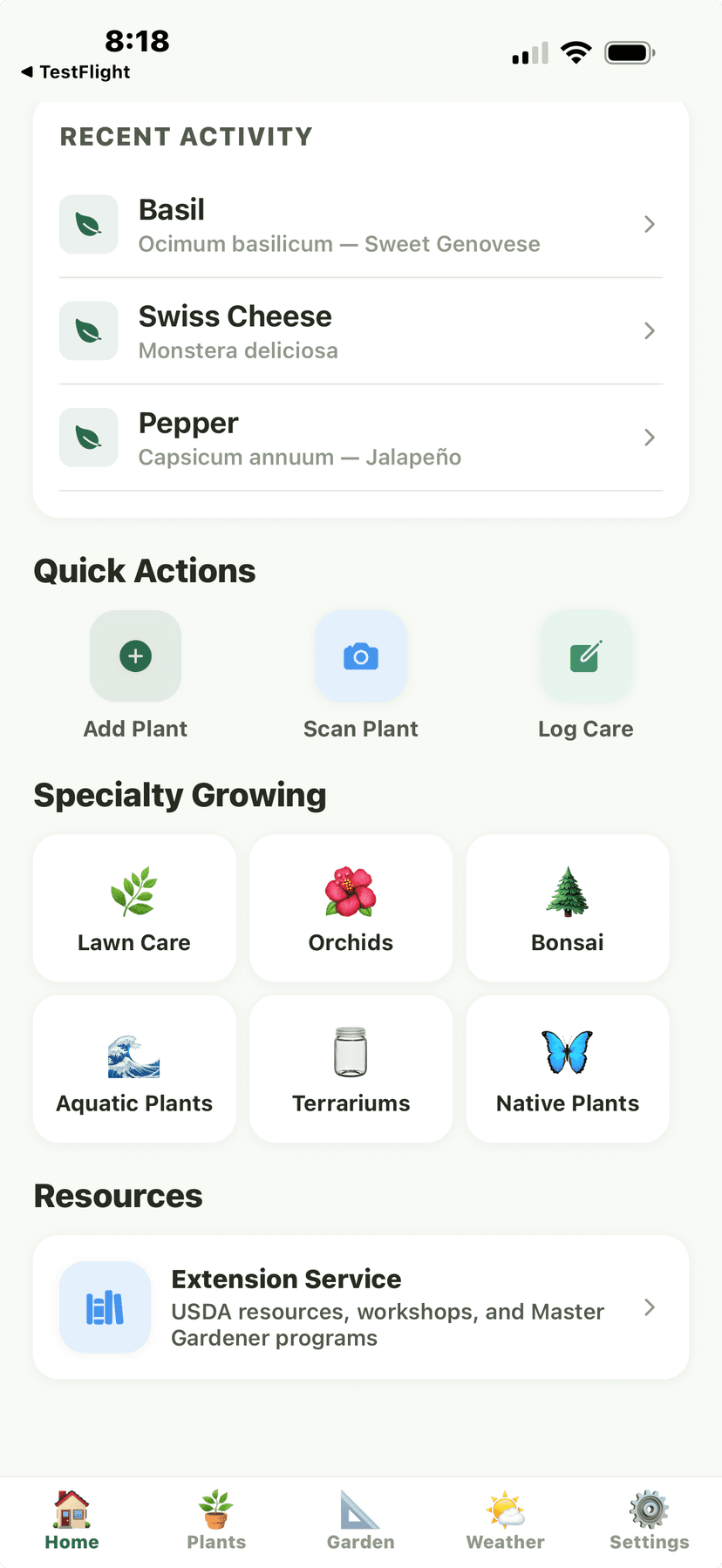
Home bottom - Recent Activity, Quick Actions, Specialty Growing grid