🚀
Getting Started
Download AniLedger, set up your account, choose your role, and explore with demo mode.
📱Download & Install
- Open the App Store (iOS) or Google Play (Android) on your device.
- Search for "AniLedger" and tap Install.The app is free to download. You choose your subscription plan during onboarding.
- Open AniLedger once the download completes.
🔑Create Your Account
- Tap "Get Started" on the welcome screen.
- Enter your email address and create a password.You can also sign up with Apple or Google for faster setup.
- Verify your email by tapping the link sent to your inbox.
🐾Onboarding: Tell Us About Your Animals
- Select the species you own or care for.AniLedger supports 12 species: Dogs, Cats, Horses, Cattle, Goats, Sheep, Pigs, Poultry, Rabbits, Camelids (llamas/alpacas), Donkeys, and Mules. You can select multiple.
- Tell us how many animals you have.Choose from: 1–2, 3–5, 6–15, 15–50, or 50+. This helps us recommend the right plan.
- Select your role.Choose one: Pet Owner, Breeder, Farm/Ranch, Rescue/Foster, or Veterinarian. Each role unlocks a tailored experience with features designed for your needs.
- Tell us if you run an animal facility.Select all that apply from 12 facility types: Kennel/Boarding, Breeding Program, Animal Rescue/Shelter, Training Facility, Grooming Salon, Equestrian Center/Stable, Cattery, Veterinary Clinic, Auction House, Farm/Ranch, Dairy, and Feedlot. Or choose "None of the above" if you manage animals personally.
- Choose what you want to track.Multi-select your priorities: Vet visits & vaccines, Medications & reminders, Documents & certificates, Breeding & lineage, Weight & health metrics, and Share with family/team. This personalizes your dashboard.
💡
If you select "Veterinarian," you'll be guided through a practice setup flow. Selecting any facility type takes you through a business info setup where you enter your facility name, contact details, and more.
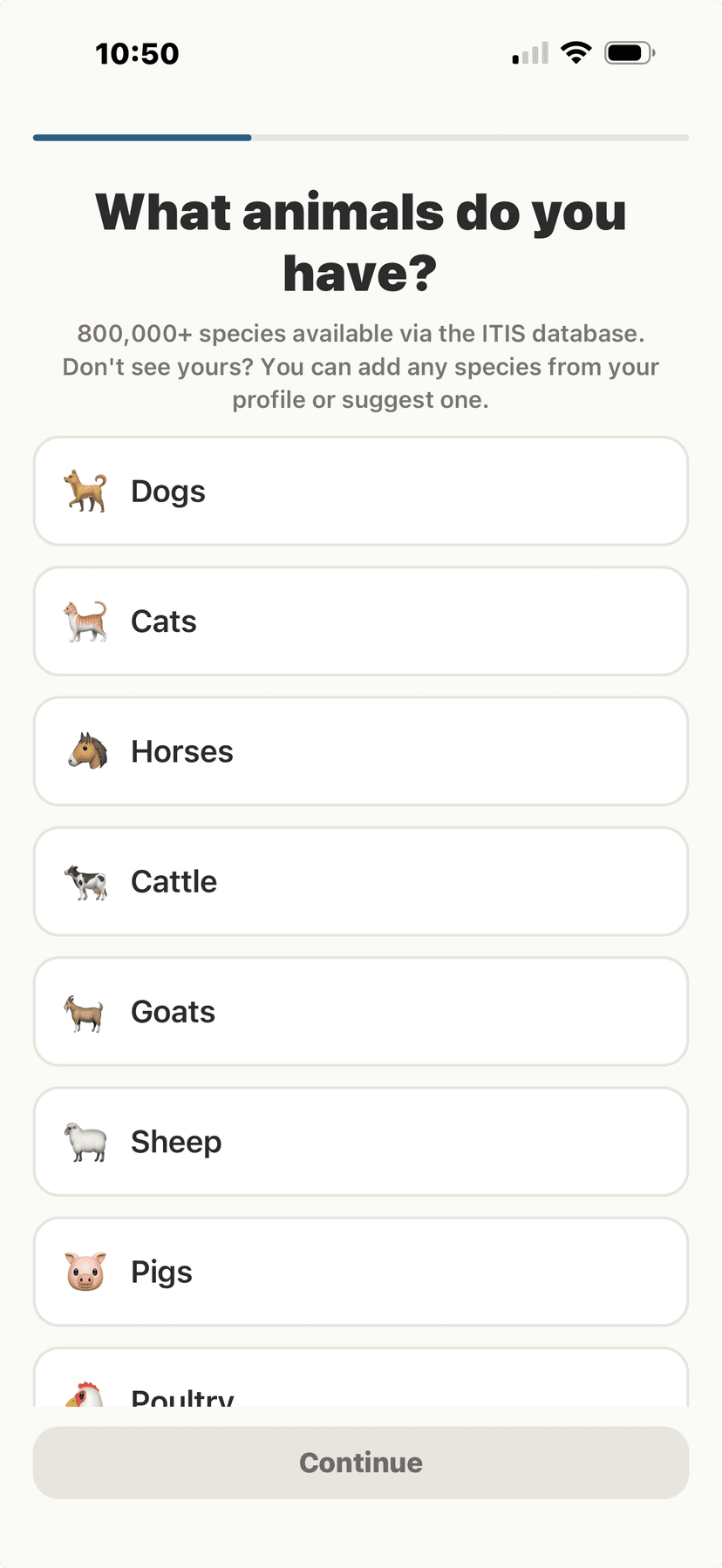
Select your species
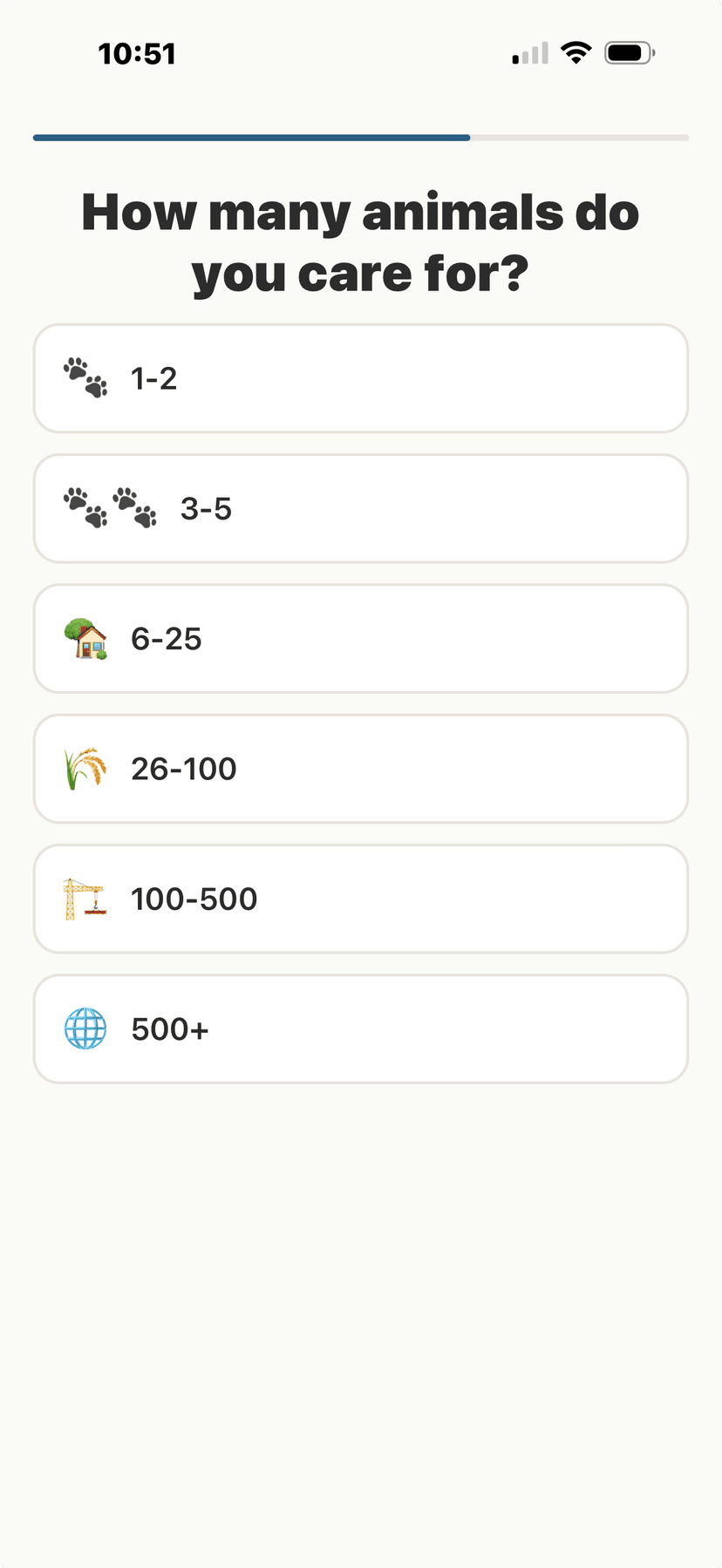
How many animals you have
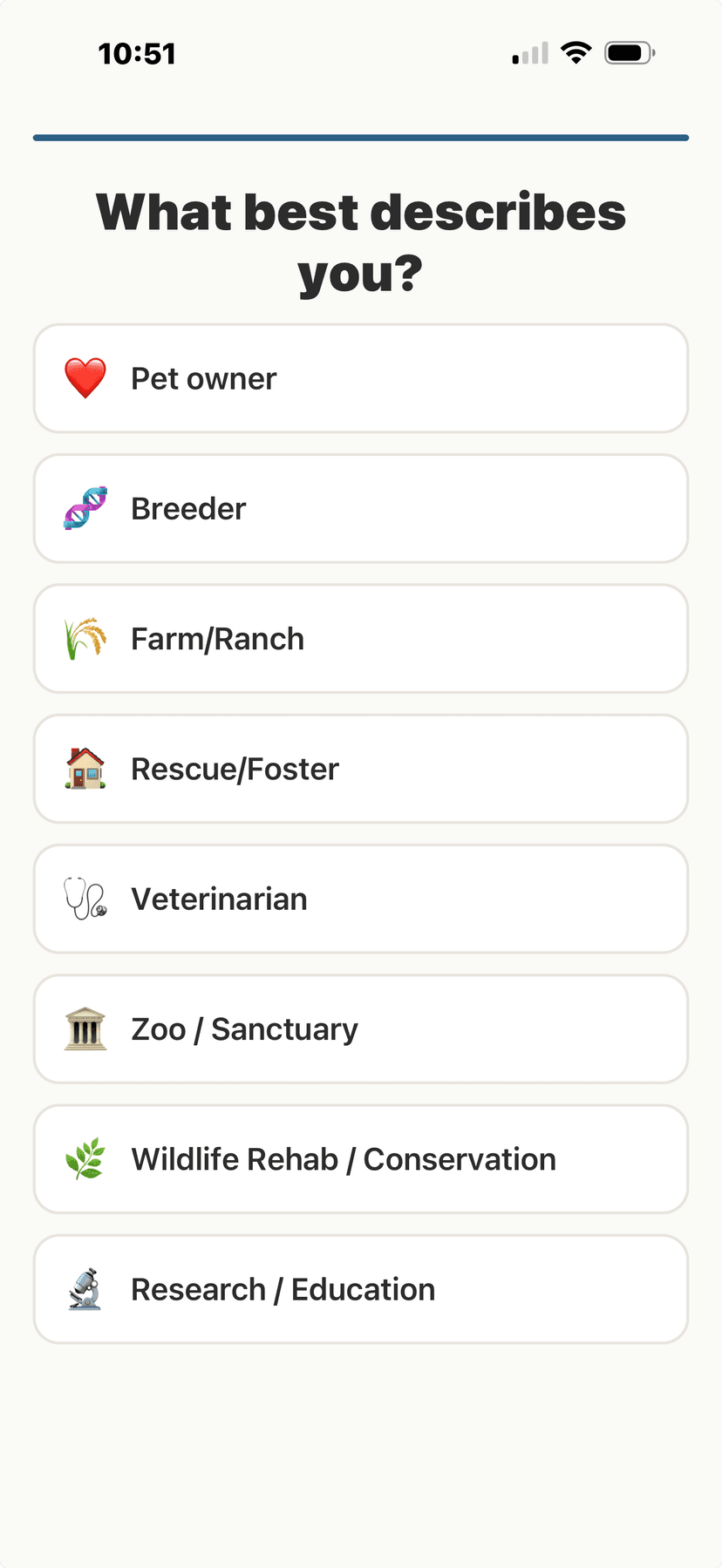
Choose your role
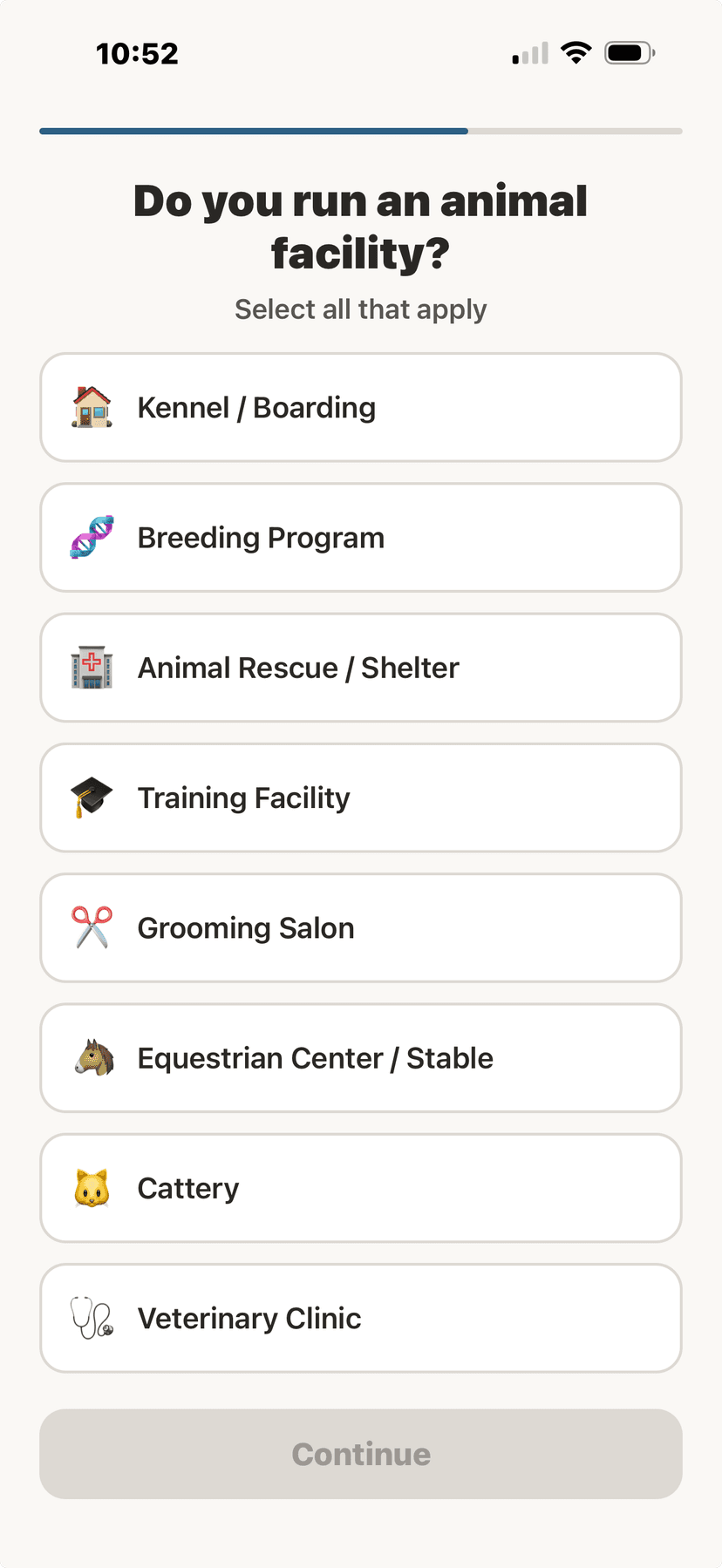
Facility type selection
💳Choose Your Subscription Plan
After onboarding, you'll see the subscription plans for your role. Pick the tier that fits your needs and tap Start [Tier Name] to subscribe. You can cancel anytime, and your access continues until the end of the billing period you've already paid for.
💡
Annual plans save up to 30% compared to monthly billing. You can switch plans anytime from Settings. Want to try the app first? Tap "Try Demo" on the sign-in screen — full features with sample data, no credit card required.
🎮Try Demo Mode
- On the onboarding paywall screen, look for the "Try Demo" or "Not Now" option.
- Demo mode loads sample animals, health records, and vet connections so you can explore every feature before committing.
- Use the role switcher in Settings to toggle between Owner view and Vet view.This lets you see both sides of AniLedger — how pet owners and veterinarians each use the app.
💡
Demo mode data resets when you restart the app. It's a safe sandbox to explore without affecting real data.